Log File
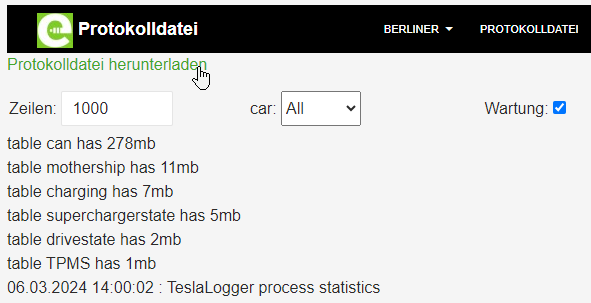
The log file shows the internal messages of TeslaLogger. These can be used for troubleshooting. In case of problems, it may happen that people helping you ask you to send entries from the log file for analysis or search for specific entries. Please use the "Download Log File" function as shown in the image:
To return to the admin interface, simply press the vehicle name again or use the "Back" function in the browser, which is usually also possible with "Alt key" + "Left arrow".