Dashboard
The dashboard is the ideal function to display the current charging process or the general status of the vehicle on a tablet or other central screen at home. A custom image can be added and the weather forecast can be displayed.
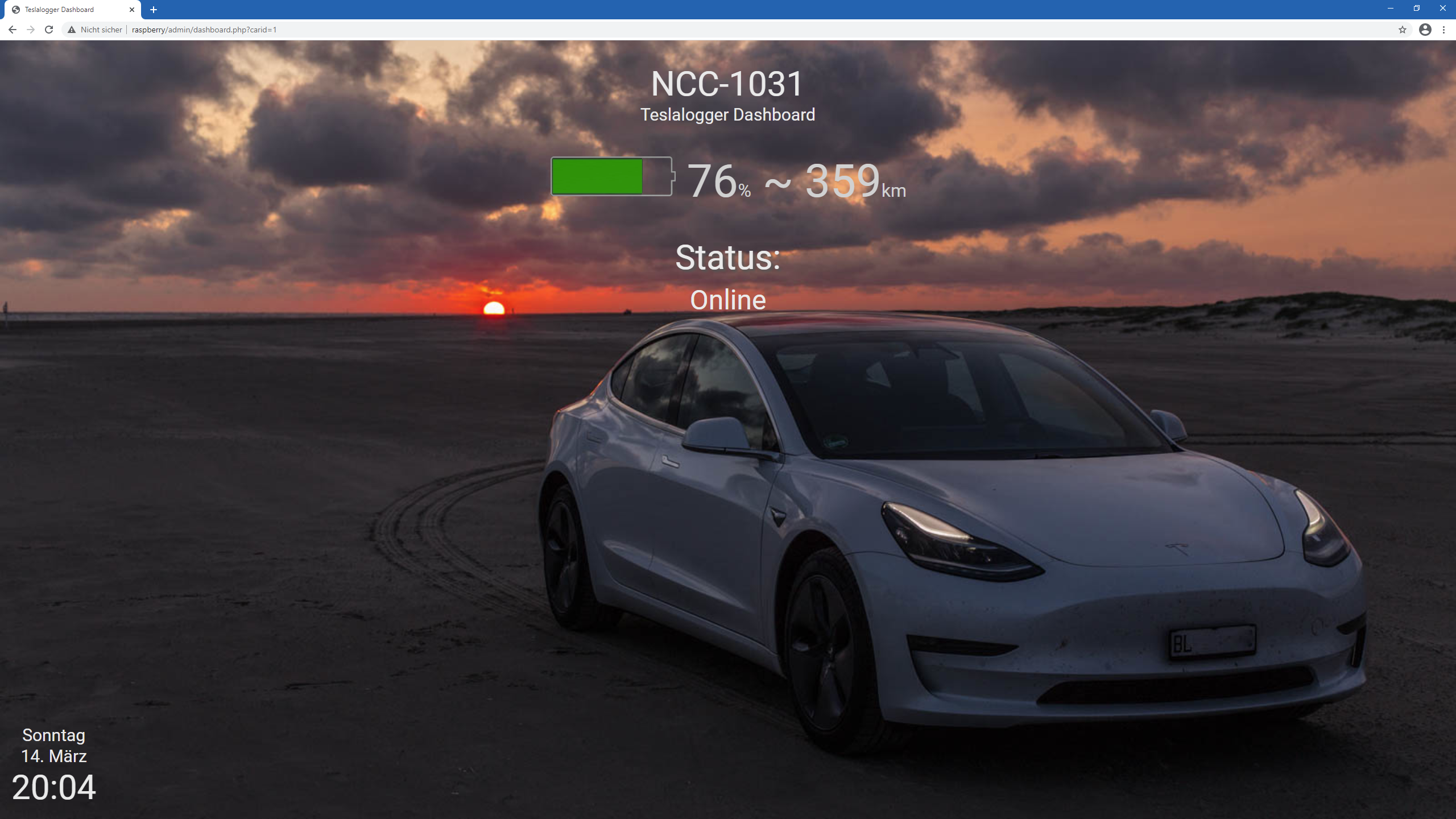
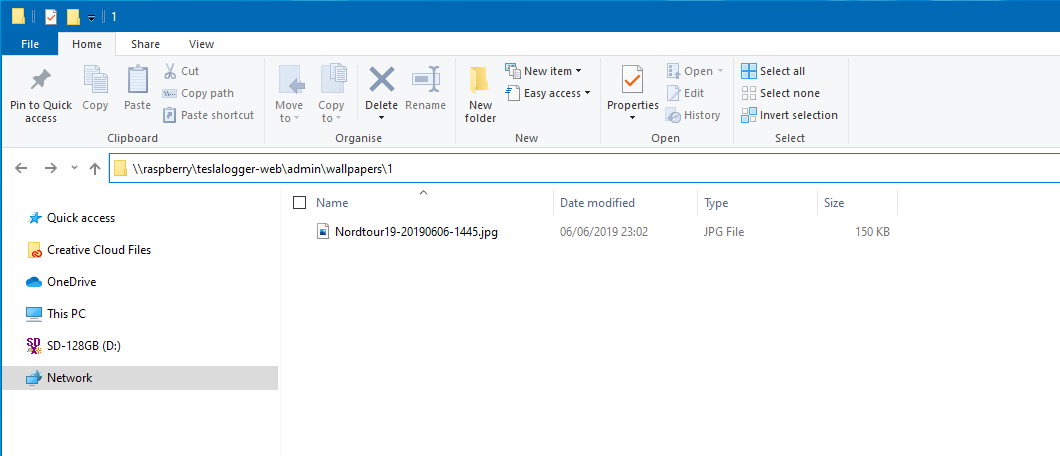
Note: In most browsers, fullscreen mode can be activated or deactivated with F11 on Windows. In this example, it is not active; the frame and other controls are still visible. To add the image, you can place a JPG file in the directory "\raspberry\teslalogger-web\admin\wallpapers\1" using the Windows File Explorer, for example:
As mentioned elsewhere, if prompted, enter the username "pi" and the password "teslalogger". Further options for customizing the dashboard are documented here for the current version of TeslaLogger: https://github.com/bassmaster187/TeslaLogger/blob/master/dashboard.md