Tesla Fleet API
Tesla has officially shut down the "owner-api" TeslaLogger used to get data from. It is still possible to get data from the old owner-api with some dirty tricks, but some cars are now returning an error if you want to send commands to the car (e.g. turn on sentry mode).
{"response":null,"error":"Tesla Vehicle Command Protocol required, please refer to the documentation here: https://developer.tesla.com/docs/fleet-api#2023-10-09-rest-api-vehicle-commands-endpoint-deprecation-warning","error_description":""}
Components of Tesla Fleet API
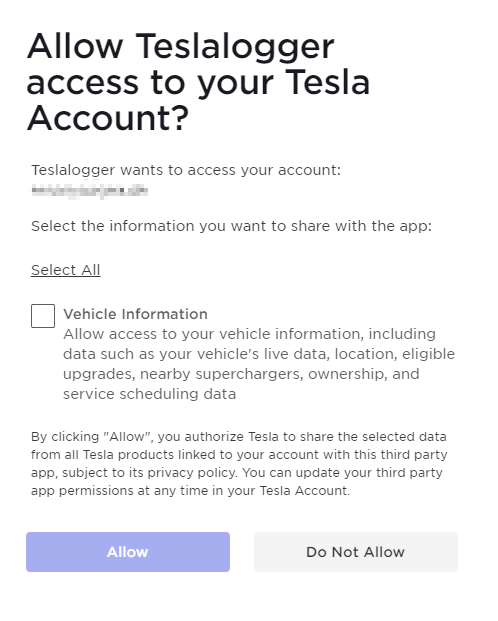
Access of 3rd party software and getting basic data.
Supported by all Tesla vehicles.
Vehicle Command Proxy
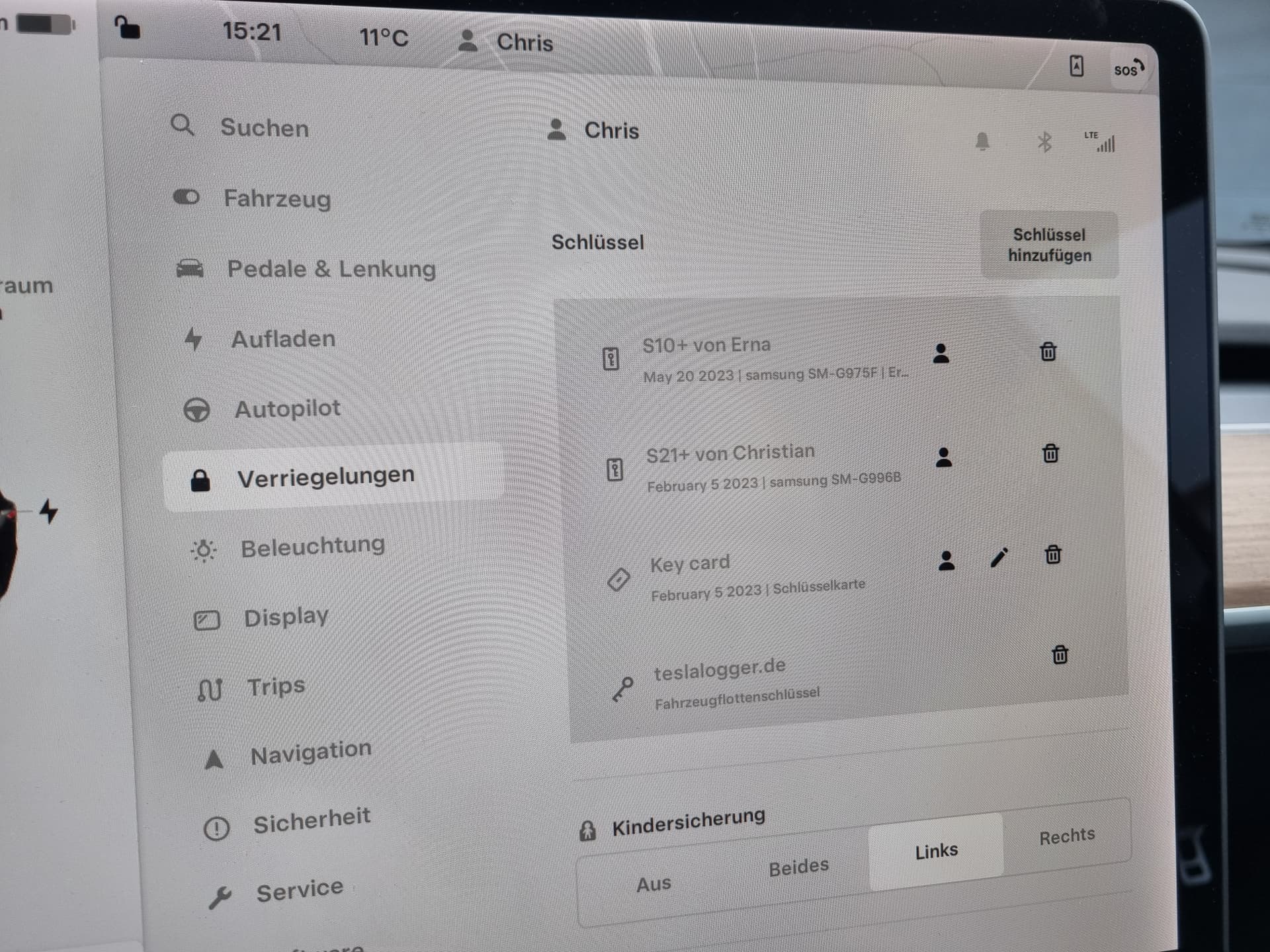
The Vehicle Command Proxy works with Cybertruck, Semi, all Model 3/Y and all Model S/X from mid-2018 onwards. Older Model S/X only work if they have had an MCU2 retrofitted; vehicles without MCU2 continue to use the old Owners API for commands such as "turn on sentry mode". All supported vehicles require a Virtual Key that you send to your car during the setup process.
https://github.com/teslamotors/vehicle-command
Fleet Telemetry Server
The Fleet Telemetry Server works with Cybertruck, Semi, all Model 3/Y and all Model S/X from mid-2018 onwards. Older Model S/X only work if they have had an MCU2 retrofitted. You need a Virtual Key that you send to your car during the setup process. The access token must be created with an owner profile – a driver profile does not work. I was told that leased vehicles are currently not supported.
https://github.com/teslamotors/fleet-telemetry
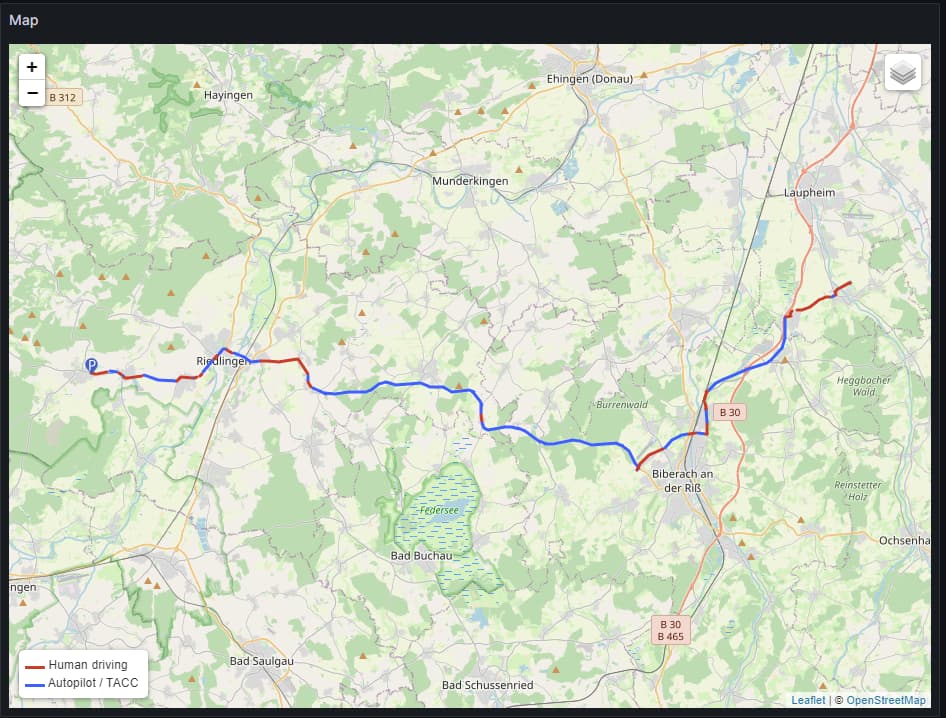
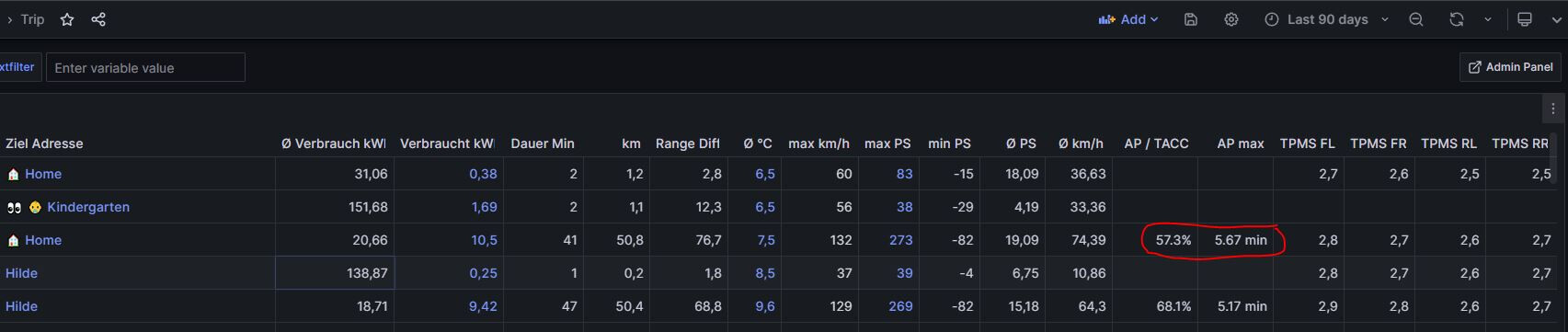
With the Fleet Telemetry Server, we can retrieve more data from the vehicle, e.g. Autopilot / TACC status, battery states, etc.
Migration from old API to Fleet API
- Admin Panel
- Settings
- My Tesla Credentials
- Edit
- Tesla Fleet API (recommended)
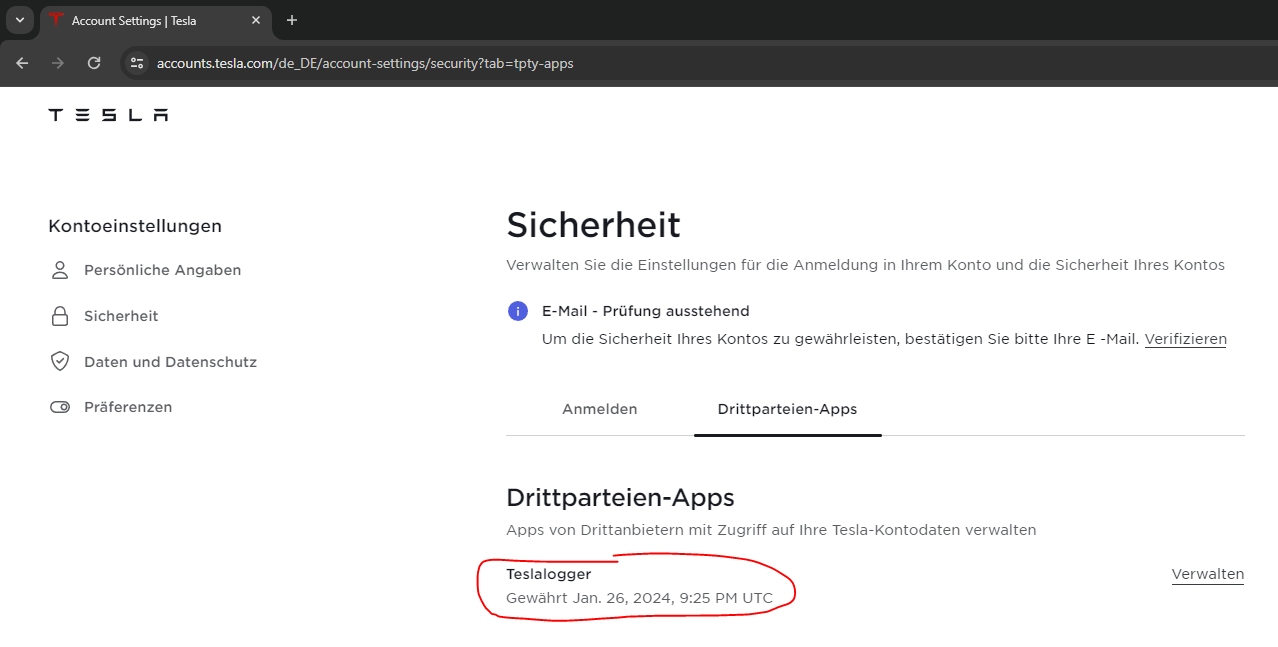
Revoke permissions for TeslaLogger
- Open Tesla Account
- Profile Settings
- Manage Third Party Apps
- TeslaLogger / Manage
- Remove Access
https://accounts.tesla.com/en_US/account-settings/security?tab=tpty-apps
Virtual Keys
If you forgot to send the virtual keys to your car during setup or revoked them, you can send them again here: LINK